Before or during production
Confirm ready status, code selection, consumable warnings, print quality, product position and sensor operation.
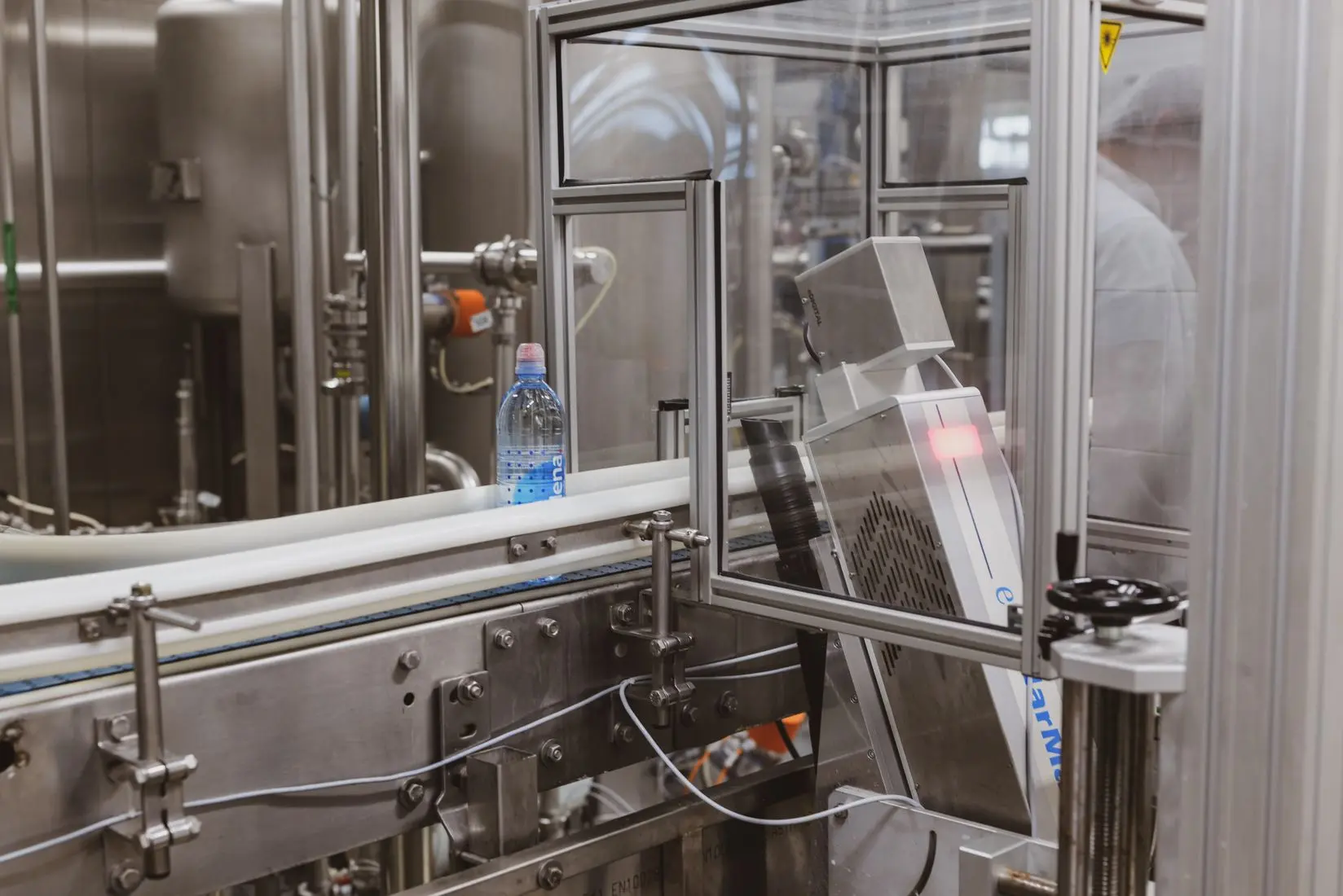
CIJ and DOD printer maintenance
Build routine care, clean access, operator ownership and service planning into the coding station from day one.
Direct answer
Industrial inkjet maintenance normally combines operator inspections and cleaning, correct consumable handling, model-specific planned service and prompt correction of product-handling or environmental problems. The exact tasks and intervals must follow the printer manufacturer’s instructions.
Many apparent printer faults begin outside the printer: a loose bracket, damaged sensor, changing product position, poor air quality, contamination or an altered substrate can all reduce code quality. Maintenance should therefore cover the whole coding station.
Provide safe access, approved materials, a short visual standard, named ownership, recorded checks and a clear escalation path. Do not rely on operators remembering an unwritten routine.
Review line integrationMaintenance framework
Confirm ready status, code selection, consumable warnings, print quality, product position and sensor operation.
Use the approved stop procedure and clean only the identified areas with approved materials.
Check brackets, cables, guards, sensors, filters, ventilation and wear items at defined intervals.
Complete manufacturer-defined parts, fluid or filter service and record the work for future diagnosis.
First-line diagnosis
| Symptom | Check first | Evidence to record |
|---|---|---|
| Code position moves | Product guides, sensor position, trigger stability, speed tracking and bracket movement | Photos, speed, affected products, sensor state and whether the shift is repeatable |
| Code is faint or broken | Printhead condition, print distance, ink level, substrate change and environmental contamination | Printed samples, consumable batch, settings, distance and recent material changes |
| Code smears | Drying time, ink selection, surface moisture or oil, contact points and line speed | Time to contact, surface condition, temperature and downstream handling |
| Wrong message prints | Job selection method, permissions, data source, PLC recipe and changeover procedure | Selected job, source data, operator sequence, timestamps and control signals |
| Intermittent no-print | Product detection, cables, I/O, inhibit conditions, alarms and product spacing | Alarm history, sensor indicators, missed-product pattern and line state |
Buying-stage checks
Printhead, consumables and service points need practical access without creating new hazards.
Clarify short stops, weekends, seasonal shutdowns and restart requirements.
Review shelf life, storage, spill control, identification and disposal arrangements.
Separate trained operator work, engineering checks and supplier service responsibilities.
Base holdings on failure impact, lead time and the support agreement—not guesswork.
Log alarms, interventions, consumable changes and print failures in a consistent format.
Practical answers
Service intervals vary by manufacturer, model, ink, environment and operating duty. Follow the current manual and agreed service schedule; use actual alarms and maintenance records to support planning.
Only use the approved method and frequency for the specific printer and application. Unnecessary or incorrect cleaning can create problems, while dusty, wet or high-duty environments may require more frequent checks.
Possible causes include incorrect shutdown, contamination, unsuitable cleaning materials, environmental exposure, long idle periods or a hardware or fluid-system issue. Record the conditions and follow the manufacturer’s troubleshooting procedure.
The answer depends on equipment criticality, supplier lead time and service cover. Common planning categories include approved consumables, wear parts, sensors, cables and mounting items, but the final list should be model-specific.
Share the duty cycle, environment, shutdown pattern and support expectations so uptime requirements are clear before installation.